Distracting apps stay locked.
Choose the apps that distract you most and choose when they lock—on a schedule or whenever you need to focus throughout the day.
 SlateGet Slate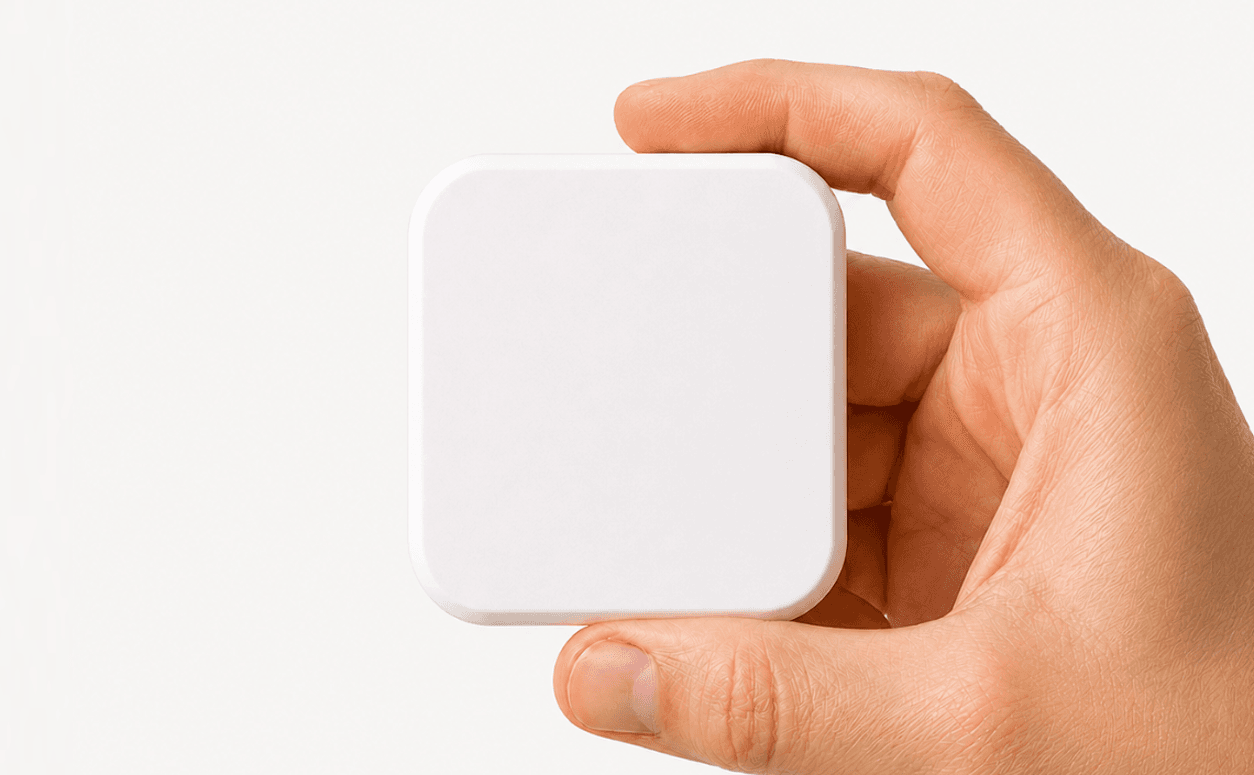
Choose the apps that distract you and when you want them blocked. Slate keeps them locked until you physically tap your Block.Slate keeps distractions blocked until you’ve done what really matters.
Choose the apps that distract you most and choose when they lock—on a schedule or whenever you need to focus throughout the day.
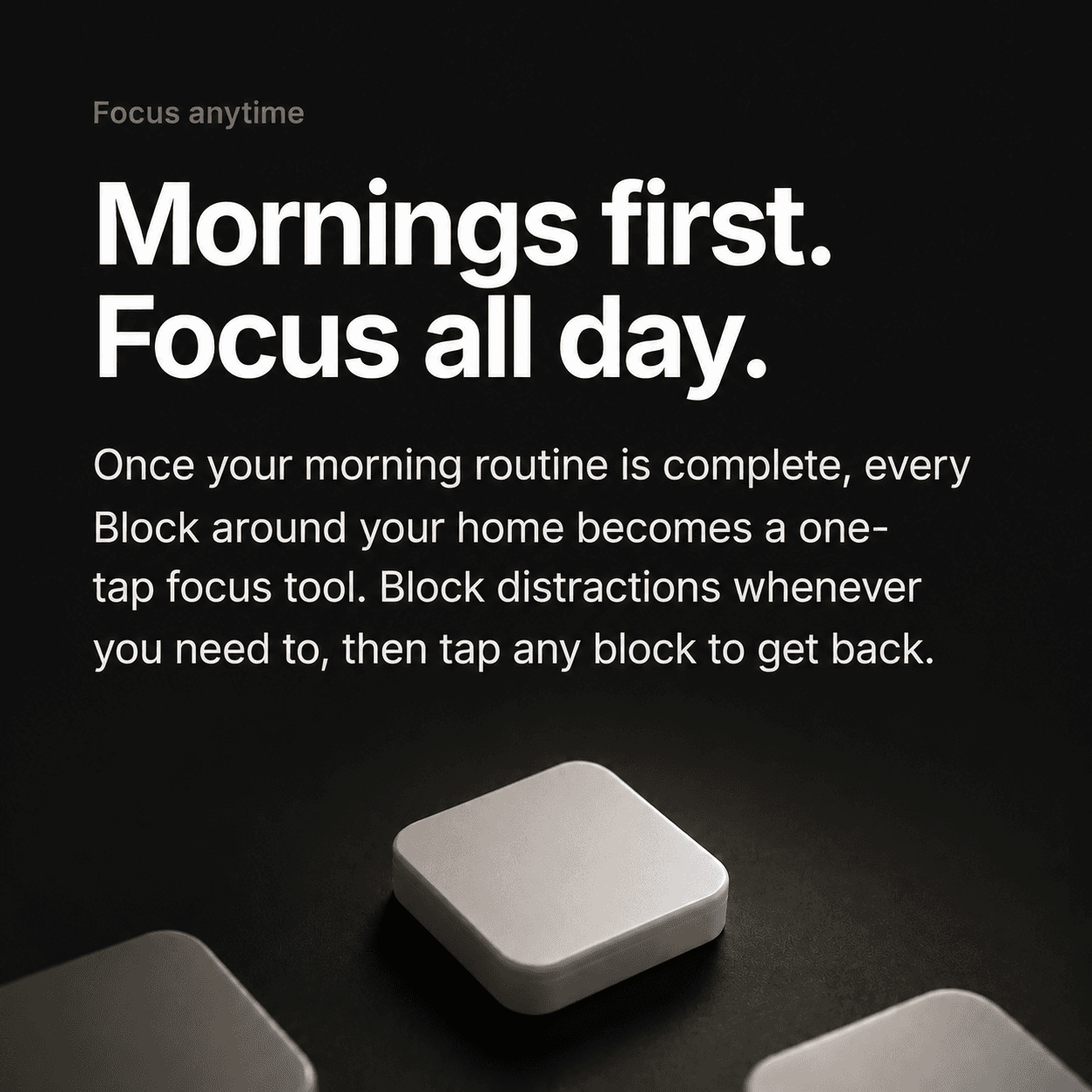
Place Blocks around your home and tap them in order. By the time your apps unlock, you’re already up and moving through your morning.
“Slate has helped me cut down my screen time a ton. Having to physically tap the Block makes me think twice before opening distracting apps. Super simple and honestly really effective.”
Pick the distracting apps inside the Slate app and set them to block on a schedule or on demand.
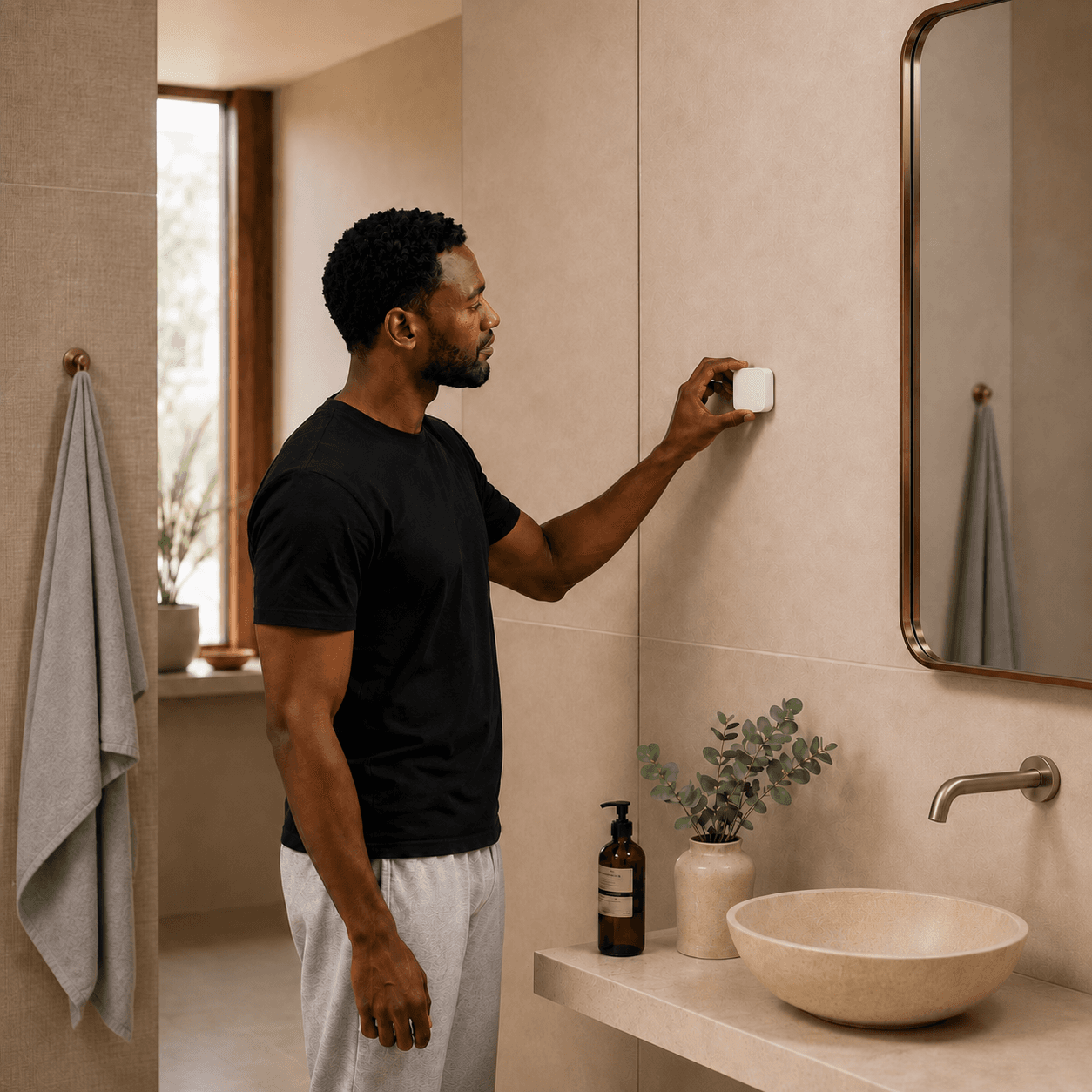
Place your blocks where your morning happens — closet, bathroom, kitchen, desk — and name each one.
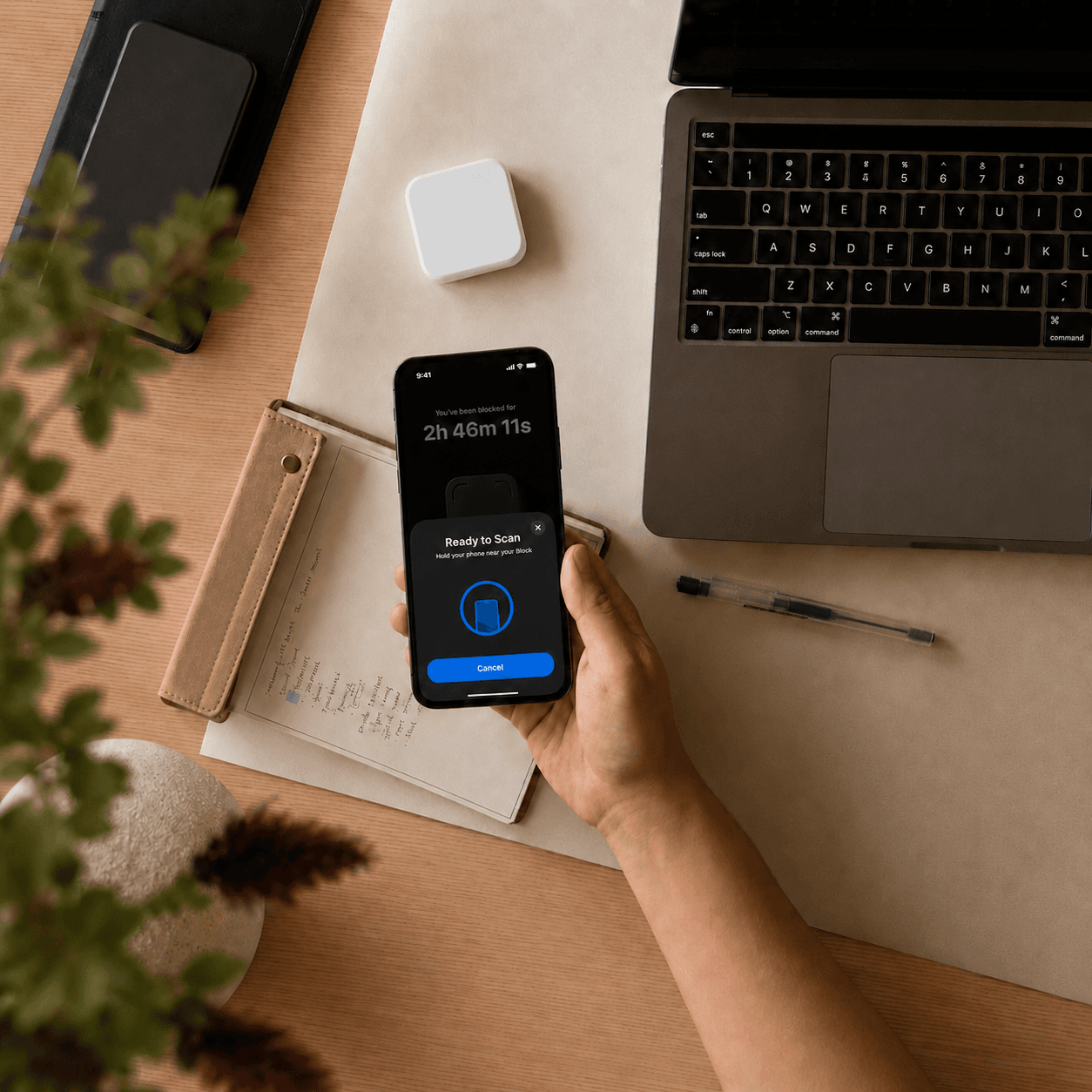
Your apps stay locked until you tap every block in your custom order, one numbered checkpoint at a time.
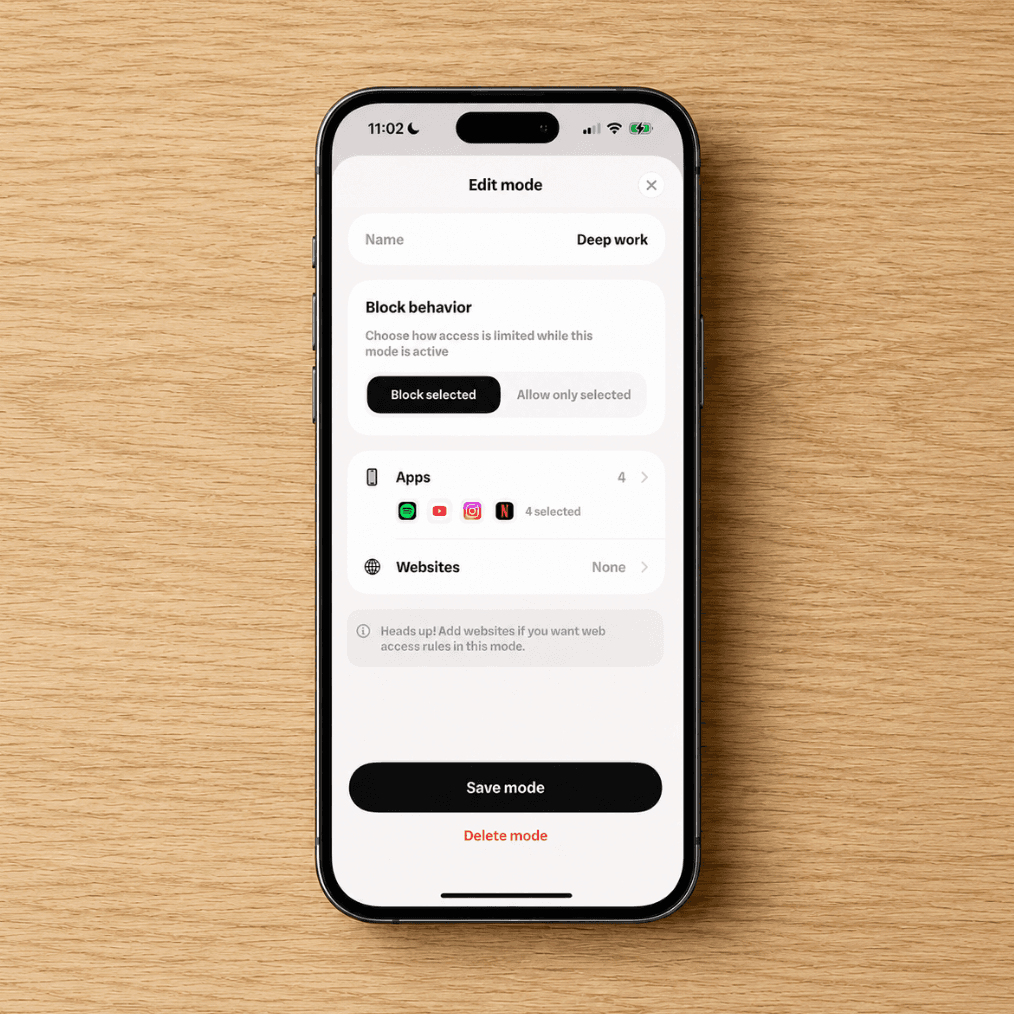
Pick the distracting apps inside the Slate app and set them to block on a schedule or on demand.
Place your blocks where your morning happens — closet, bathroom, kitchen, desk — and name each one.
Your apps stay locked until you tap every block in your custom order, one numbered checkpoint at a time.
Why it works: Slate makes you physically complete your morning routine before distracting apps unlock. It gets you out of bed and starts your day away from bad habits, so you can’t waste the morning scrolling under the covers.
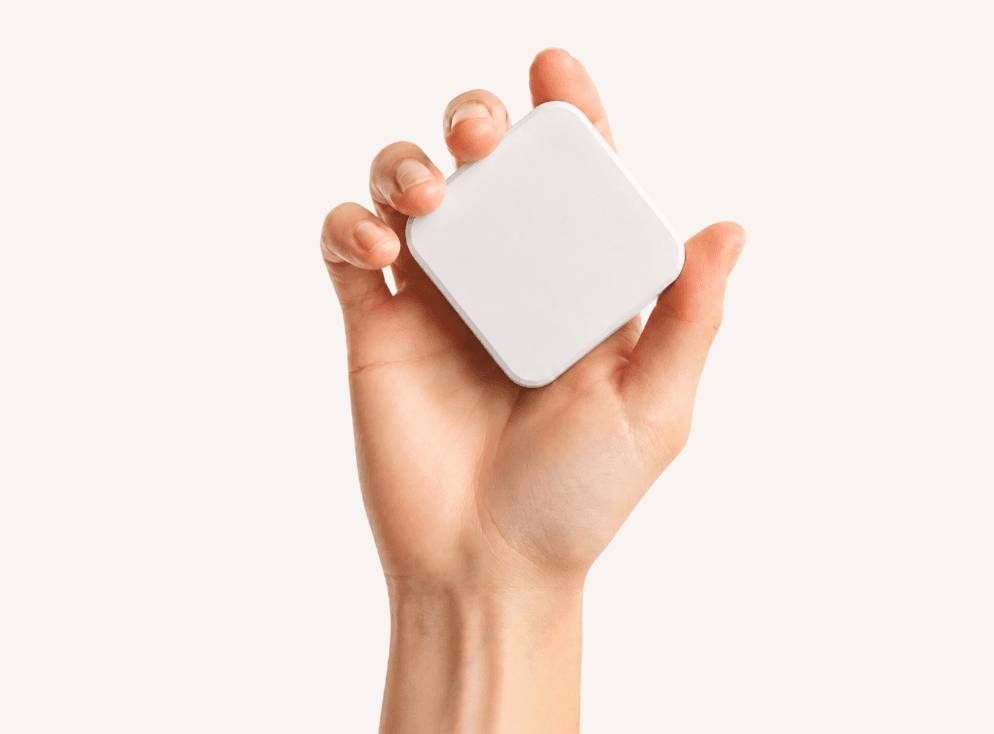
“I initially bought 4 blocks for my morning routine, but now I also use the daytime focus mode a ton whenever I need to get something done. My screen time has gone down by almost 2 hours a day already.”
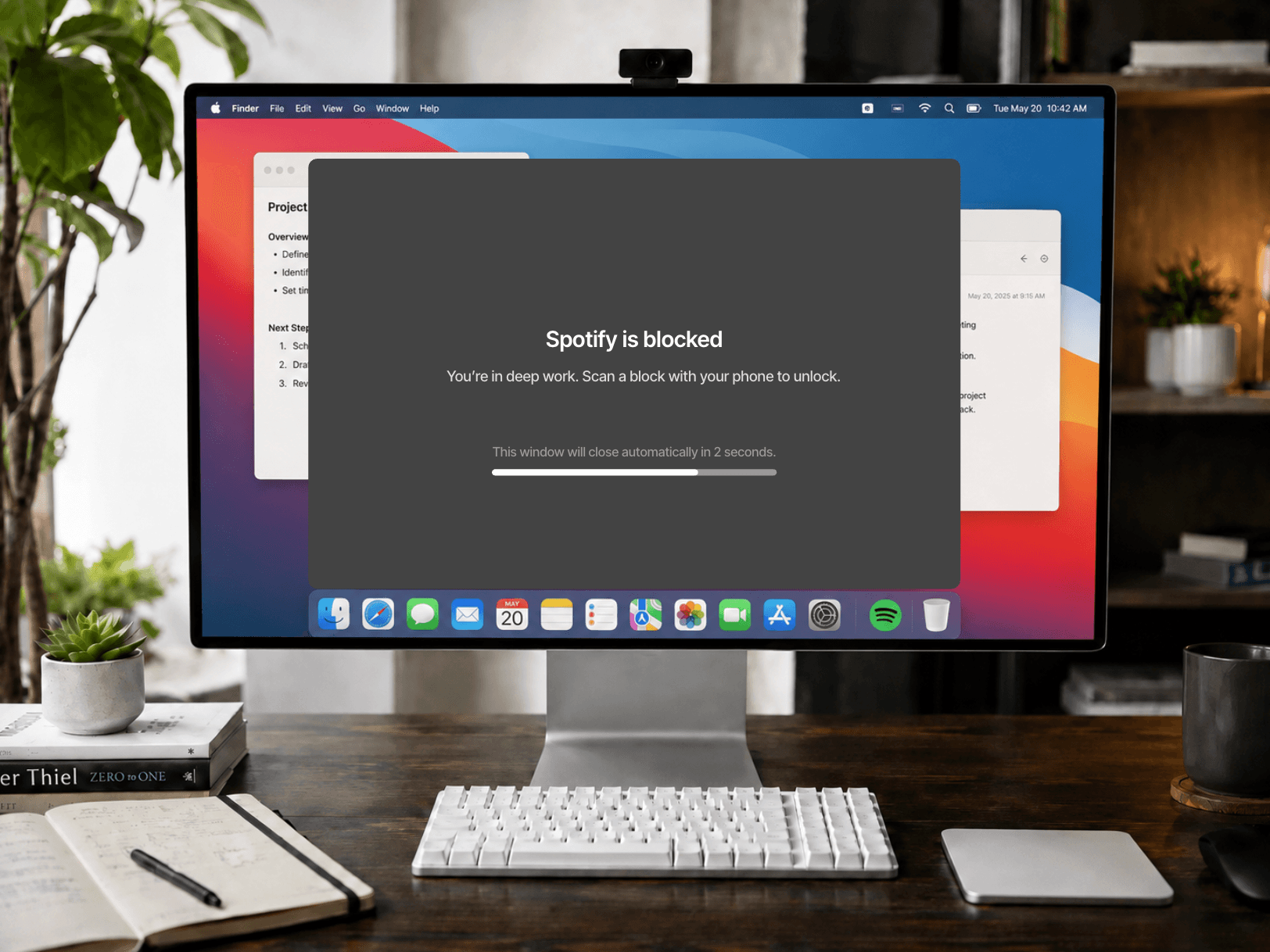
With other app blockers, your computer becomes an easy workaround. Not with Slate. Your distractions stay blocked on your phone and computer. With every easy workaround gone, focusing becomes the easiest path forward.
iPhoneApps + websites
MacApps + websites
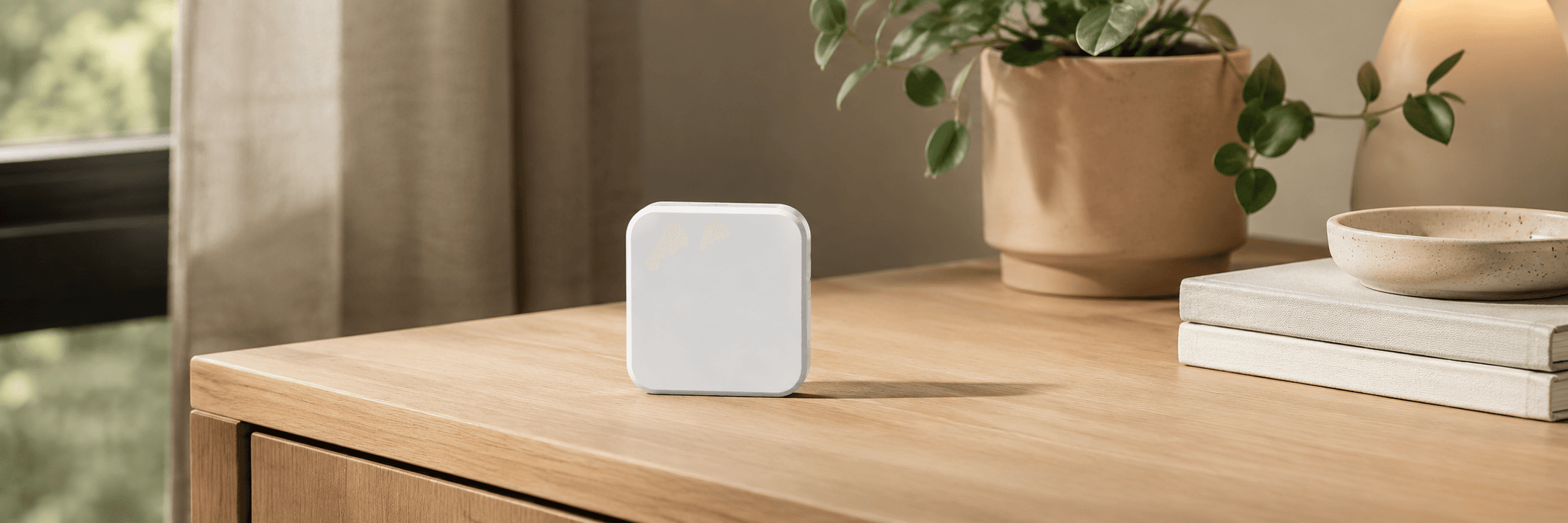
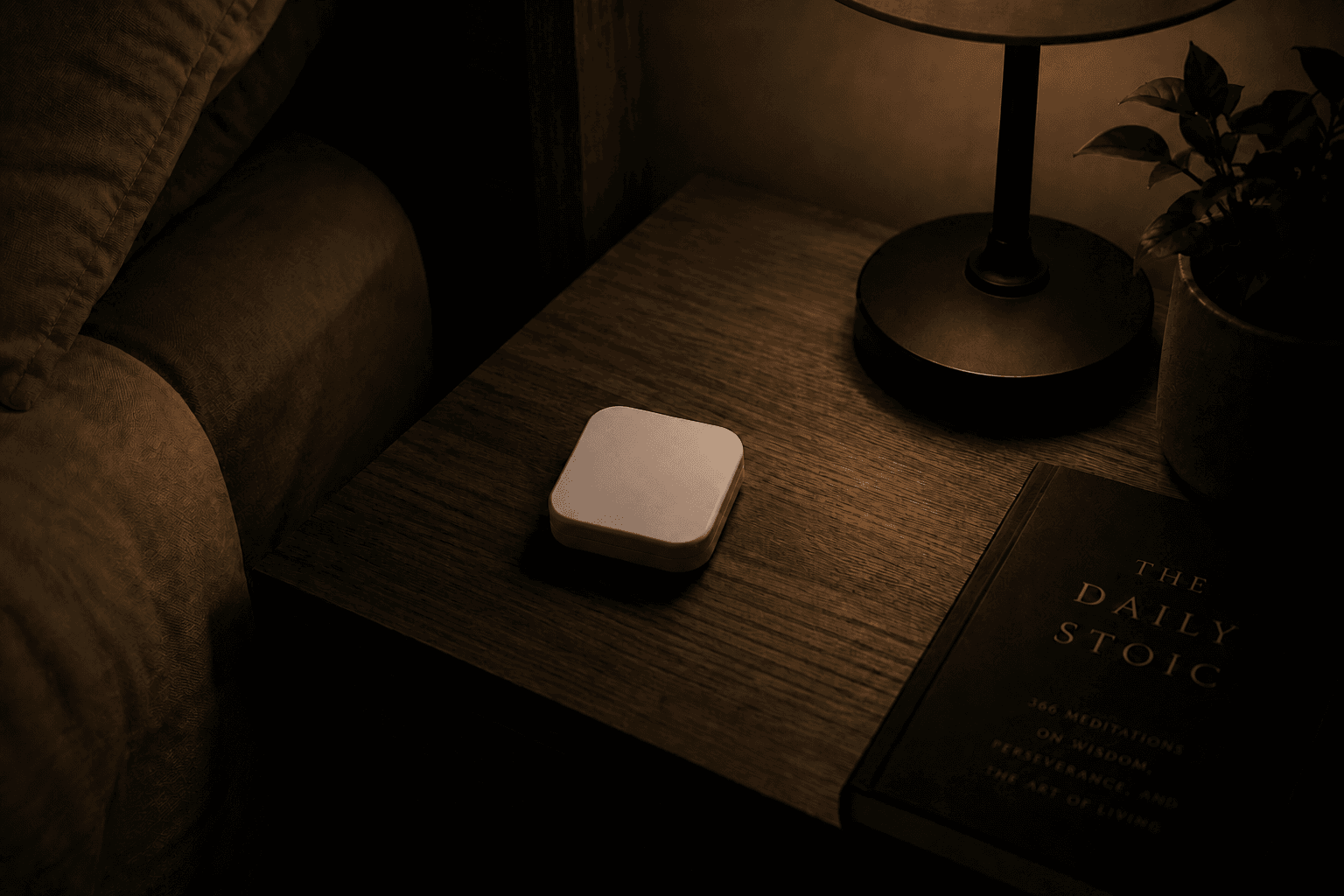
Stop the scroll before it starts. The first block lives where you wake up, so getting up is the only way forward.
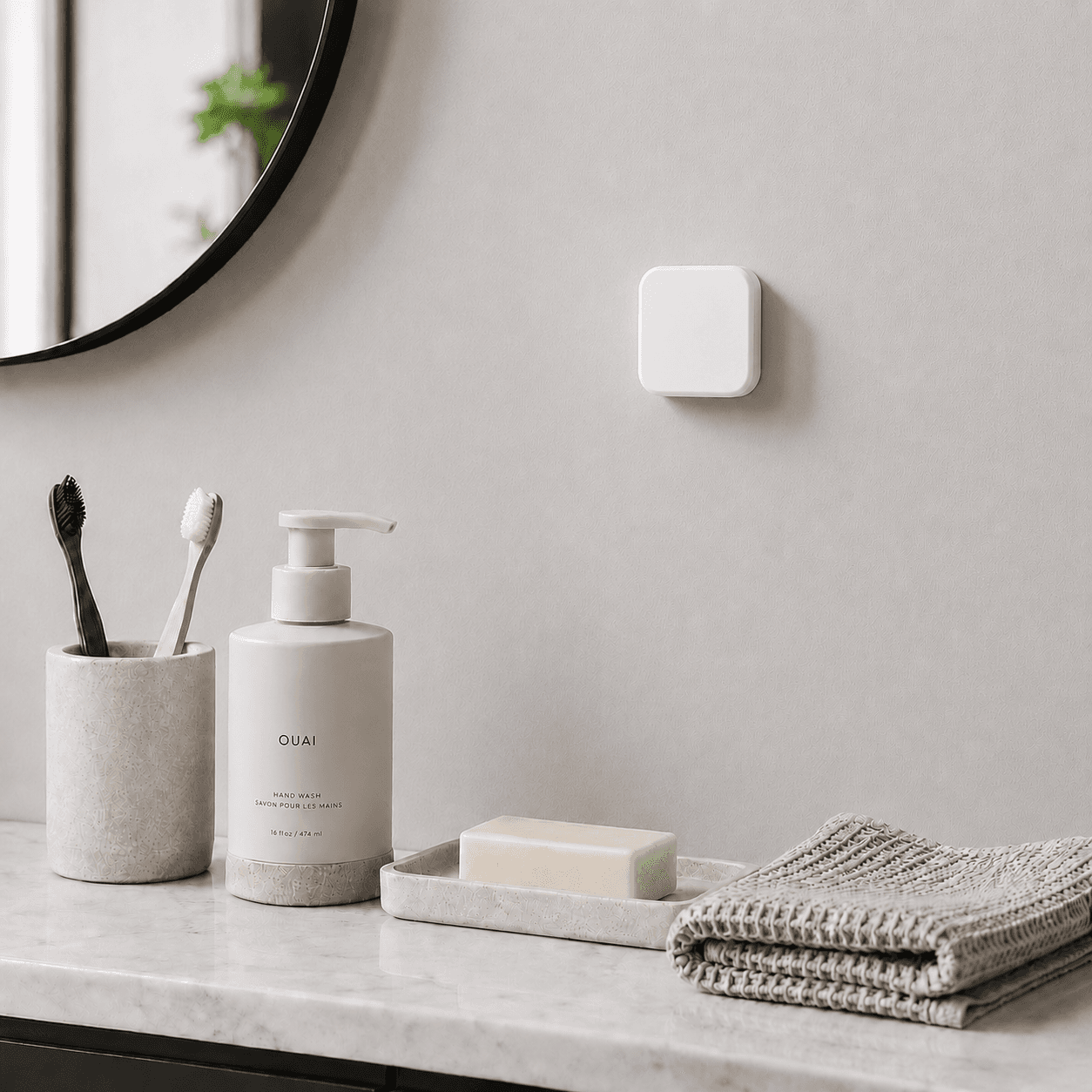
Closet, bathroom, kitchen — each block is a checkpoint that pulls you through the morning you meant to have.
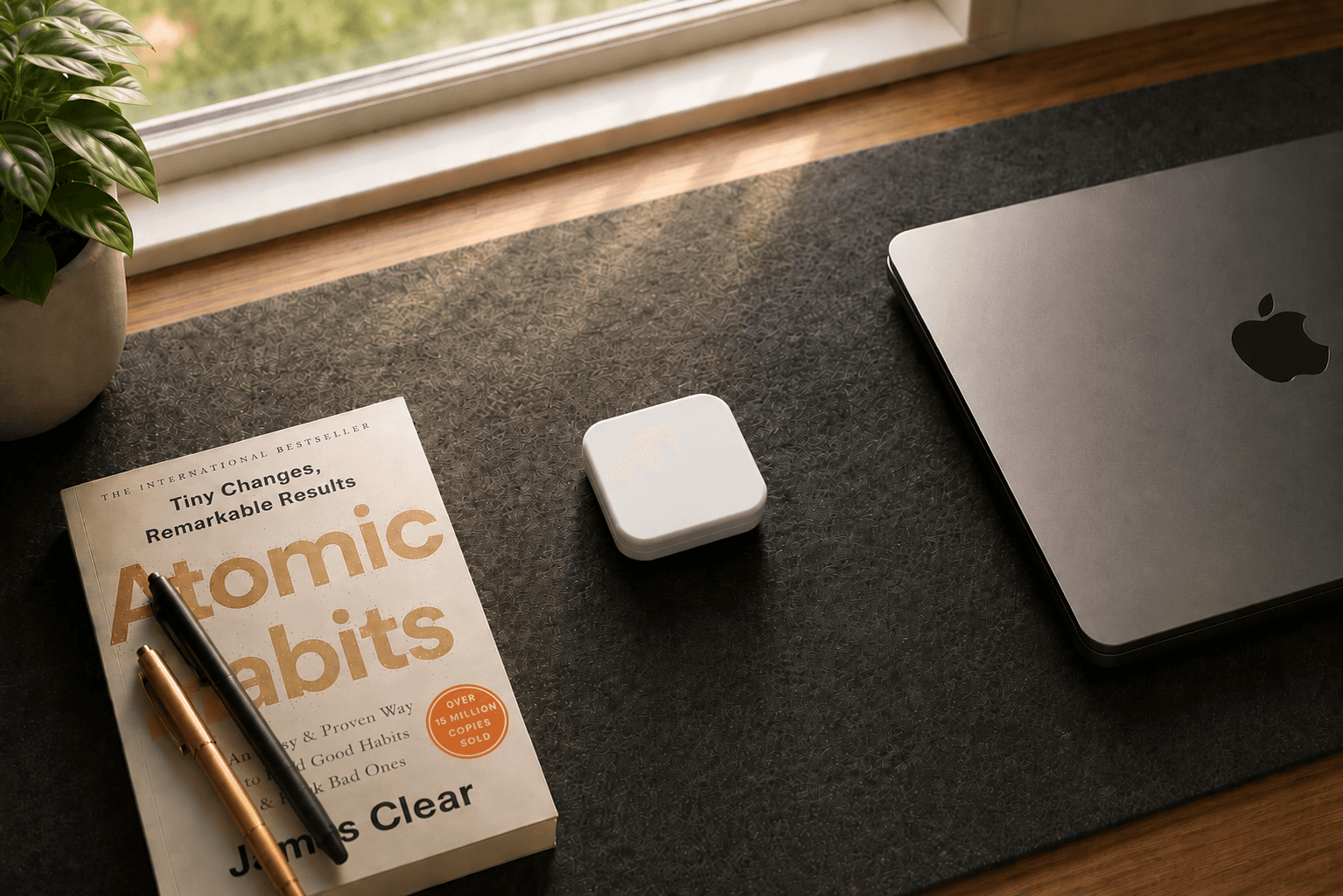
End the routine where your focus begins, then use daytime mode to keep distractions out while you work.
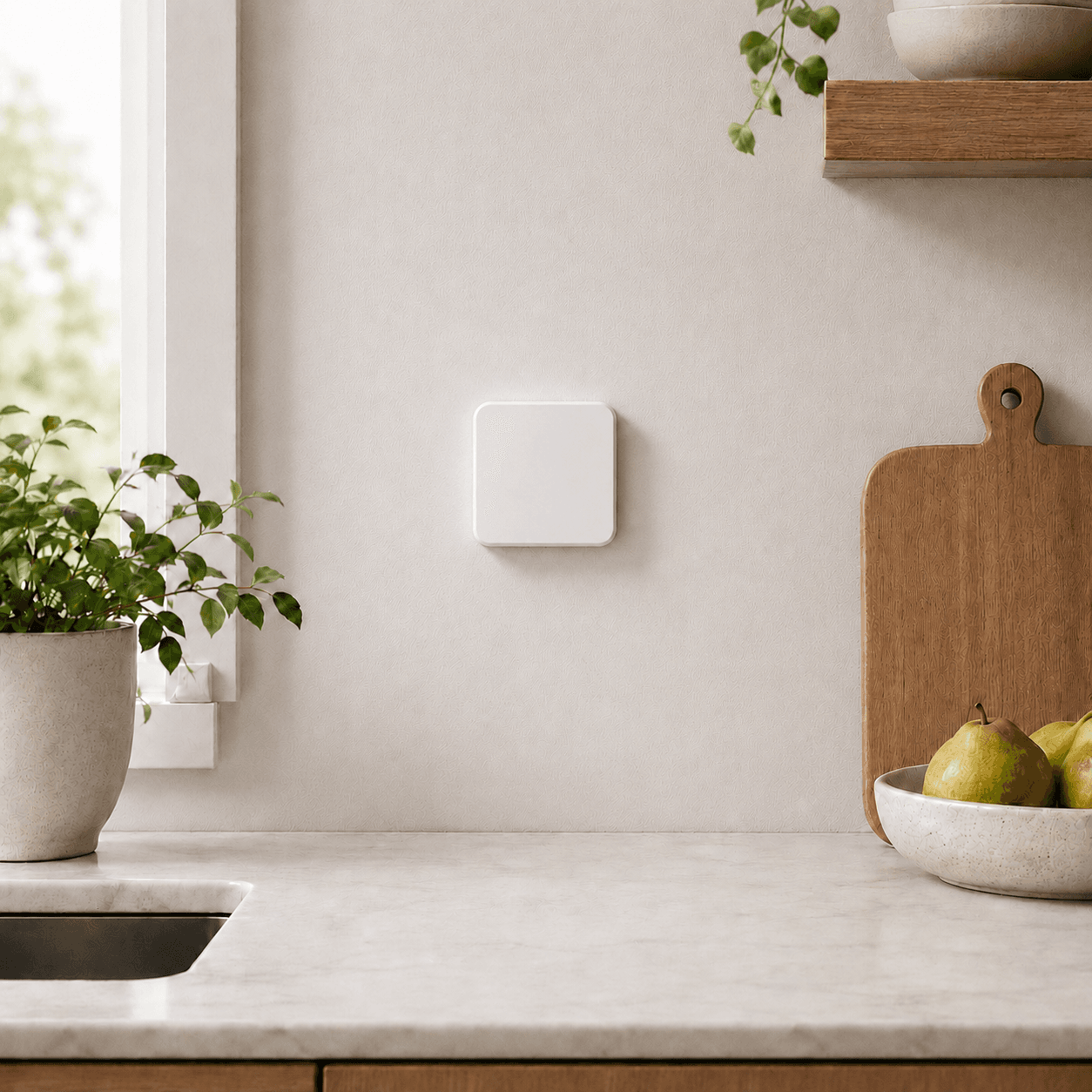
Kitchen counter, wall, bedside table — place Slate wherever you need a one-tap way to block and unblock.
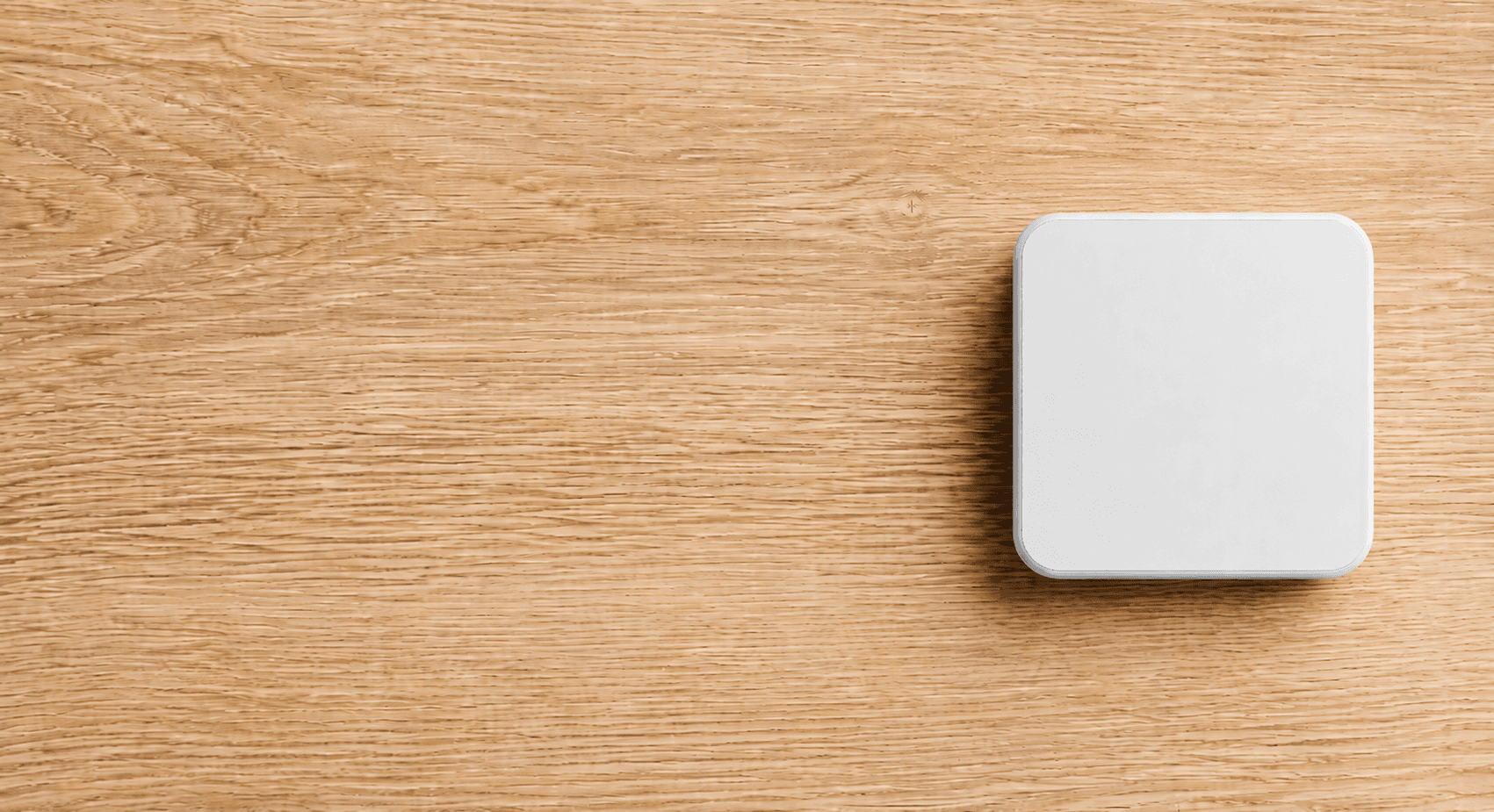
FROM $39
Slate is free forever on iOS and does not require a subscription.
Includes a magnetic back and is portable so you can focus anywhere.
“Slate has truly transformed how I interact with my phone! The blocks make it really easy to focus by making me have to scan them before I can go onto social media.”
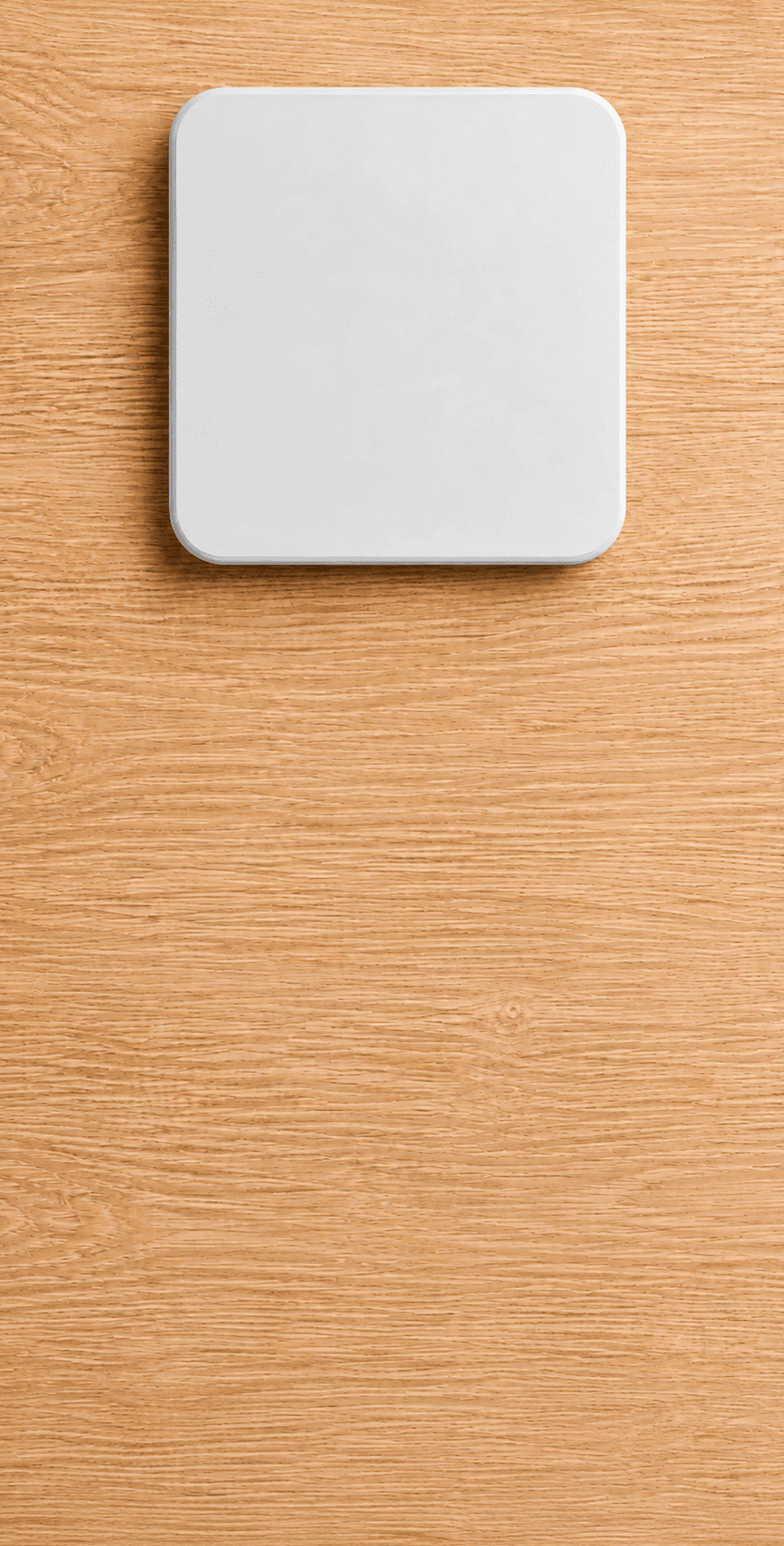
FROM $39
Slate is free forever on iOS and does not require a subscription.
Includes a magnetic back and is portable so you can focus anywhere.
Buy the Blocks once. The Slate app is free to download, and no subscription is currently required.
Numbered blocks, custom names, and a routine order you can rearrange whenever your mornings change.
Simple routines, physical blocks, and no motivation required.
Three emergency unlocks a month for the moments that truly cannot wait. Unlock instantly, then restart focus when you’re ready.
“I honestly didn’t think this would make much of a difference, but it’s kind of crazy how much easier it is to stay off my phone in the morning now. I used to wake up, check one thing, and somehow end up scrolling for almost an hour. Now I actually have a reason to get moving before I can open anything distracting. It doesn’t feel like some intense productivity system either. My mornings feel less rushed, and I’m usually already doing something before checking my phone.”
Anika R.
“Life-changing.”
Eric S.
“Setup took maybe 2 minutes. it's weird how something this simple actually works lol. I still check my phone first thing sometimes, just not before i'm up.”
Noor H.
“Thought I'd only use it for mornings, but I've actually been using the daytime lock way more. I'll turn it on whenever I'm studying and it's just enough friction to keep me from opening Instagram.”
Julian O.
“i've tried app limits before and always ignored them. this feels different because you actually have to get up. simple idea but somehow it's the first thing that's actually stuck for me”
Sienna M.
“Worth it for mornings alone. I keep one block by my toothbrush and another in the kitchen, so by the time my phone unlocks I've already brushed my teeth and started my day. Way better than I expected.”
Elias V.
30-day money-back guarantee